Put a status page on your own domain
Serve your status page from status.yourcompany.com instead of a 247Monitor URL. You add one CNAME record; we verify it and issue HTTPS automatically.
4 min read
A custom domain makes your status page feel like part of your product. Setup is a single DNS record: no certificates to manage, because we provision and renew HTTPS for you.
Start the connection
- 1
Open your status page settings
In the dashboard, go to Status Pages, open the page you want (or create one first), and find the Custom domain card.
- 2
Enter your subdomain and click Connect
Type the subdomain you want to use, for example
status.yourcompany.com, and click Connect. Subdomains only; you can't point a bare root domain at a status page.app.247monitor.net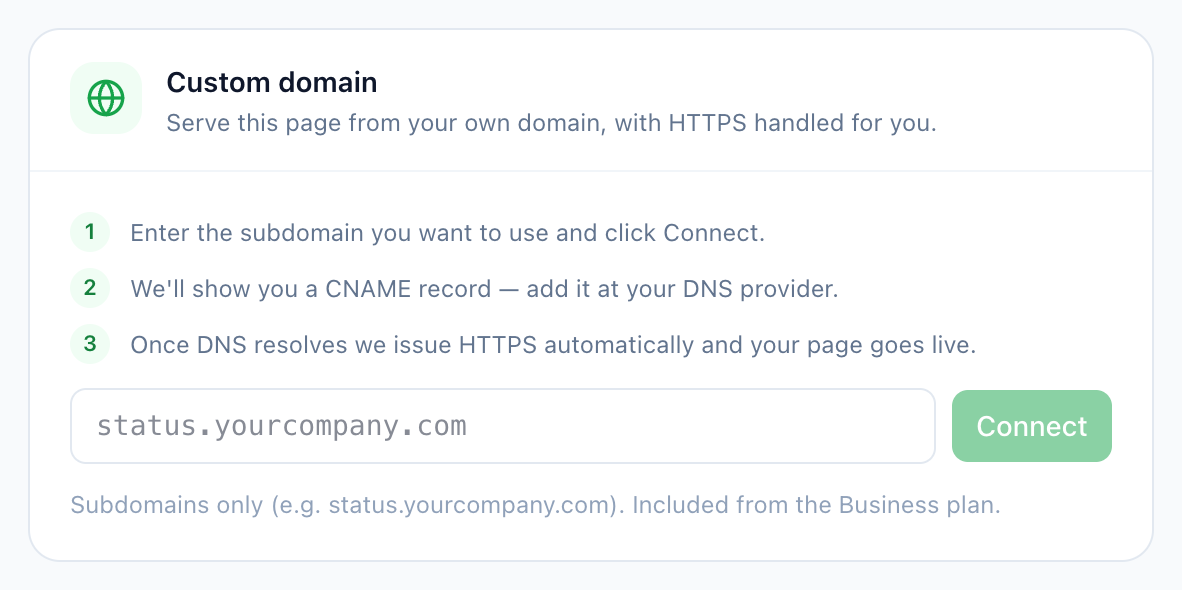
Status page settings → Custom domain.
Add the CNAME record
After you click Connect, we show you a CNAME record. Add it at your DNS provider exactly as shown: the Name is your chosen subdomain and the Value always points at our edge:
CNAMEstatus.yourcompany.comstatus.247monitor.netWait for it to go live
- 3
We verify and issue HTTPS
DNS can take anywhere from a few minutes to a few hours to propagate. We re-check automatically; the card shows “Waiting for DNS” until it resolves, then issues a certificate and flips to “Active”, serving with HTTPS.
- 4
Your page is on your domain
That's it: your status page now answers on your own subdomain over HTTPS. Point your customers there or link it from your app's footer.